
How to deposit
Send SOL, USDC or USDT on the Solana network to the address in your Wallet. It lands in your balance as soon as the network confirms it.
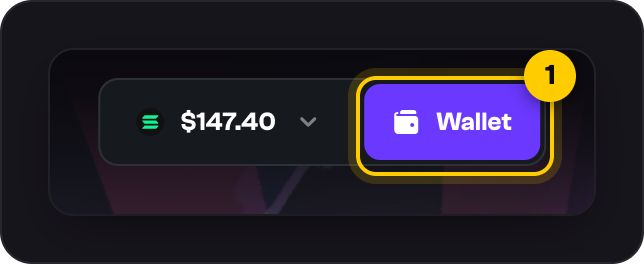
Open your Wallet at the top of the page.
Pick your coin under Currency. The network is always Solana.
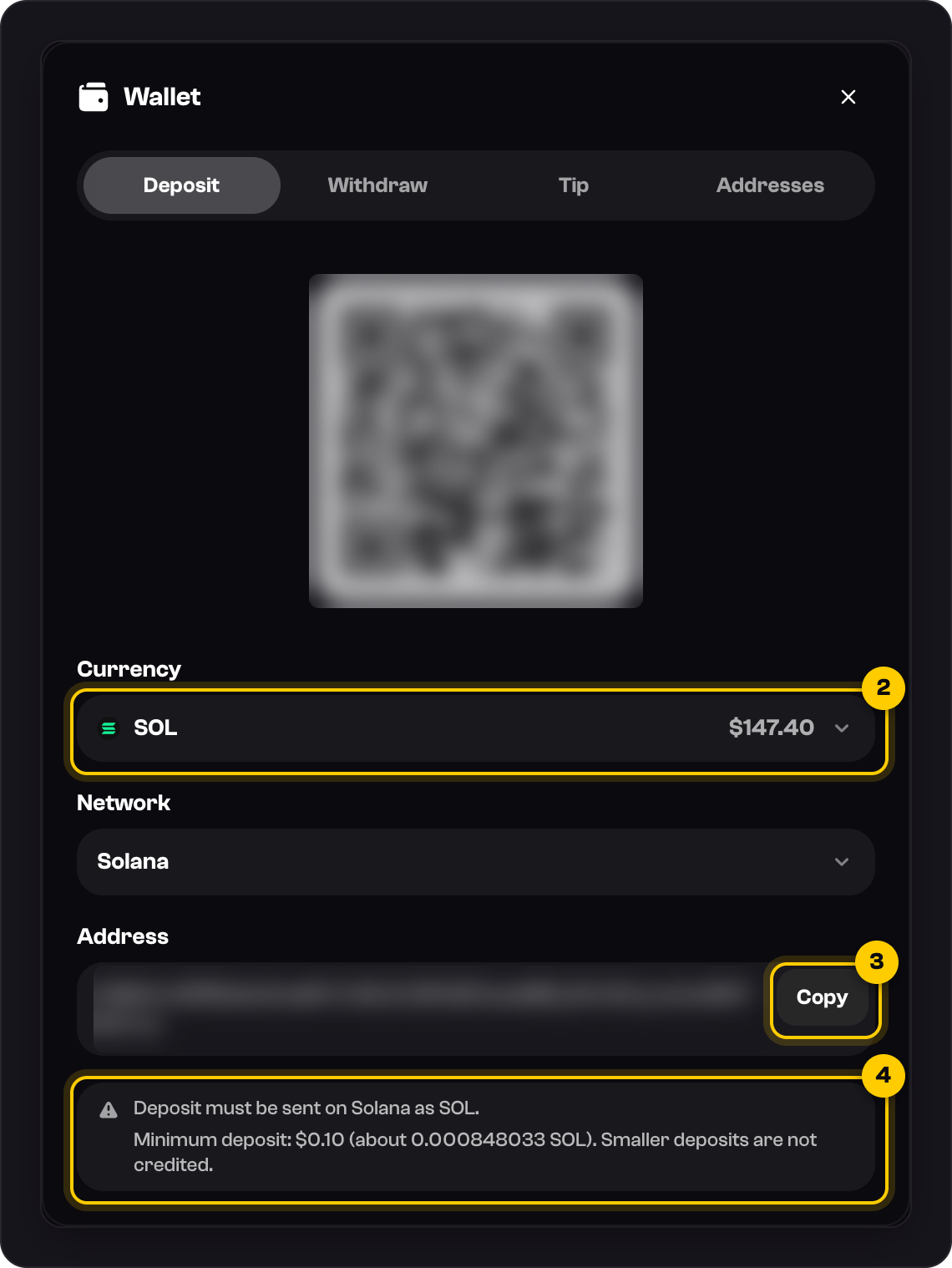
Press Copy next to your deposit address.
In your exchange or wallet, paste the address, choose Solana, and send at least the minimum shown.
When it arrives, Deposit credited appears under the bell and your balance goes up.
On a phone
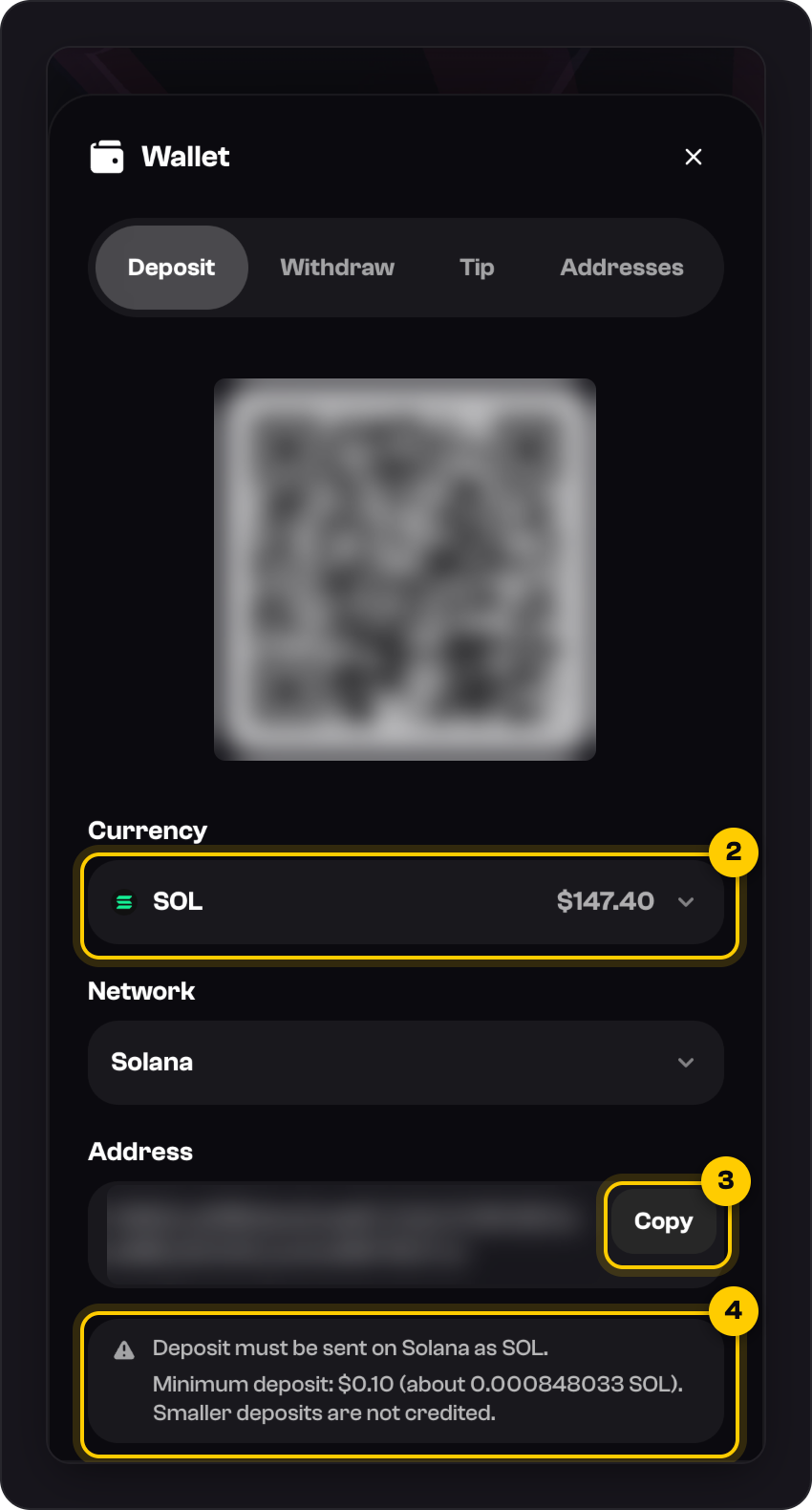
Tap the wallet icon next to your balance. The same screen opens full size.
Good to know
- One address takes all three coins, with no memo or tag. Copy it from your Wallet each time, not from an old message.
- The minimum is on screen, currently $0.10. If you sent less, message us and we'll recover it.
- Each deposit has to be wagered once before you can withdraw. See Why do I need to wager before I withdraw?
- Crypto only: no cards or bank transfers. If you don't hold any crypto yet, buy SOL or USDC on an exchange and send it on Solana.
- The QR code is for scanning from another device, like your phone while you're on a computer.
Was this helpful?