
Link your Discord
Linking Discord is optional. Some promo links ask you to connect it first.
Open Settings → Profile.
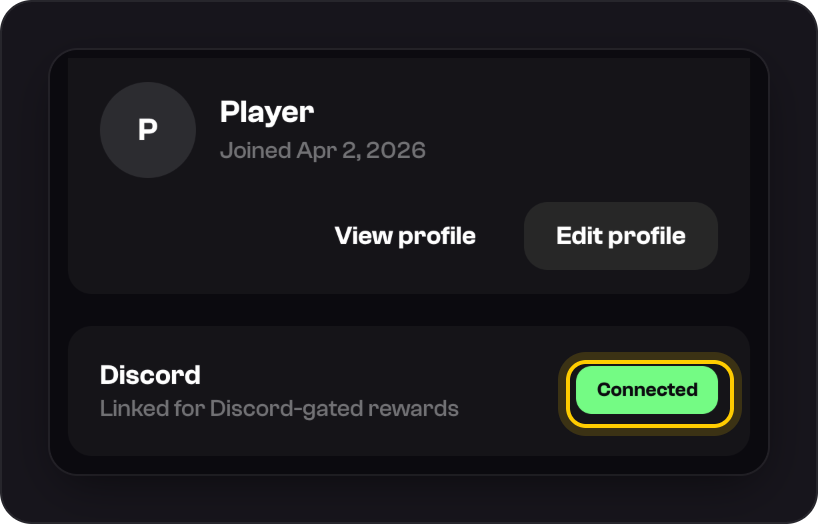
Next to Discord, press Connect and approve it on Discord. The row then shows Connected.
Good to know
- Linking adds you to the ShaftKings Discord server.
- One Discord account can be linked to one ShaftKings account.
- Discord isn't a way to sign in. Use your email and password, or Google.
Was this helpful?