
Change your username
You can change your username whenever you like.
Open Settings → Profile and press Edit profile.
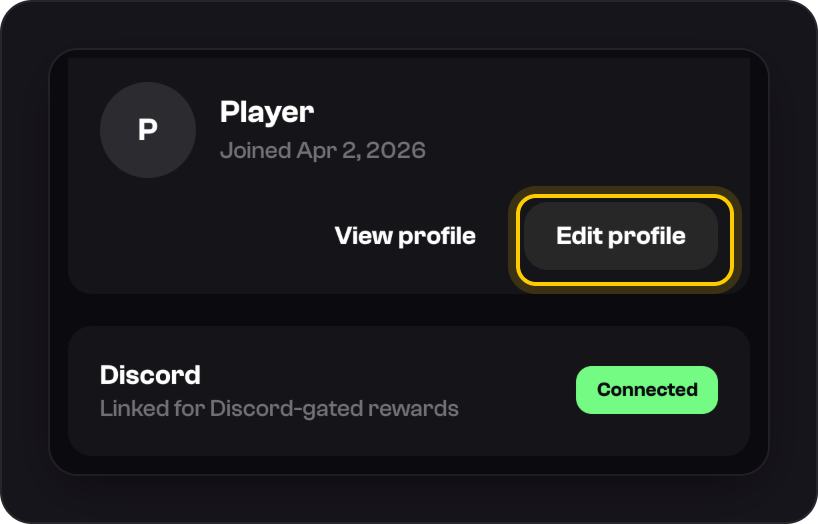
Type your new username and save it.
Good to know
- Usernames are 2 to 32 characters: lowercase letters, numbers and underscores. Each one is unique.
- Your username is public. It shows on your bets and your profile card, so choose one you're happy for others to see.
Was this helpful?