
Sign in, and reset your password
Sign in with your email or username and your password, or with Google if that's how you signed up.
Press Sign in at the top right of the page.
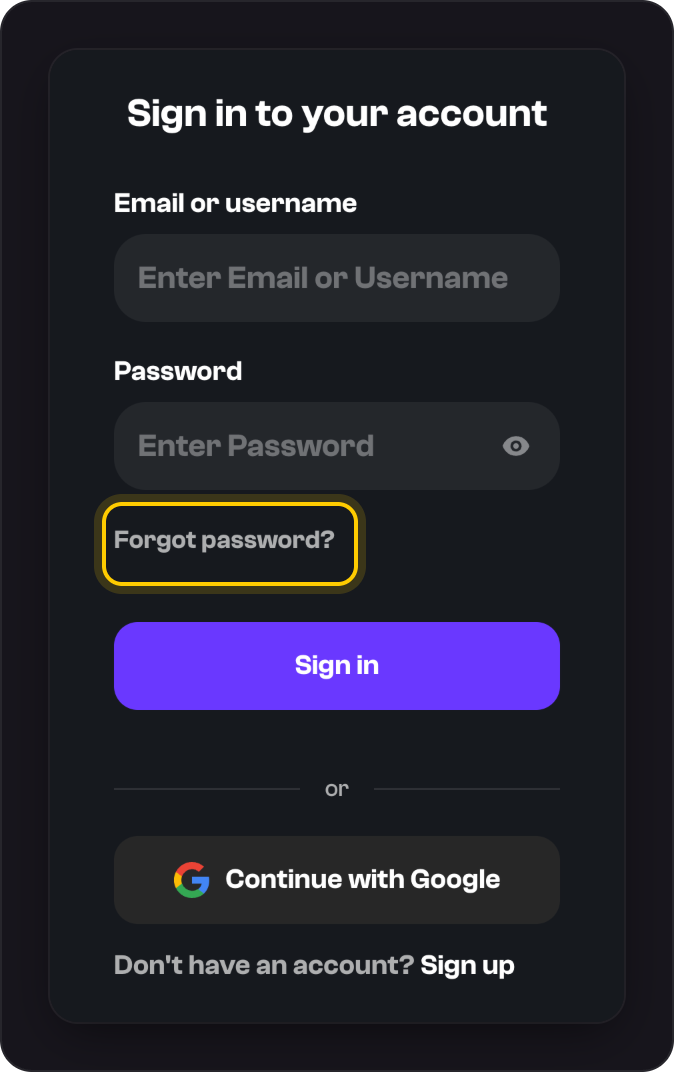
Enter your Email or username and Password, and press Sign in.
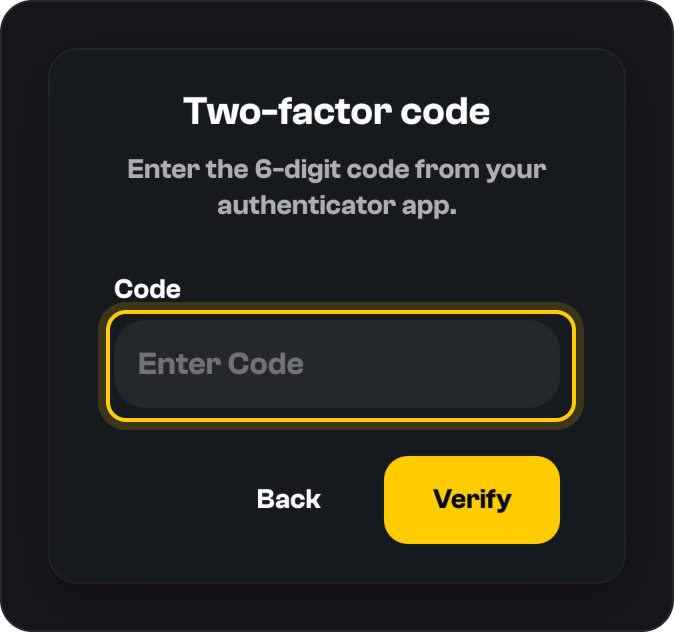
If you use two-factor authentication, enter the 6-digit code from your app and press Verify.
Forgot your password?
On the sign-in screen, press Forgot password?
Enter your email and press Send reset link.
Open the email within 30 minutes and choose a New password.
Good to know
- The reset link only goes to a verified email. If you never verified yours, message us and we'll help.
- Signed up with Google? Forgot password? emails you a link to set one. See Sign in with Google.
- Changing your password signs you out on every device, including the one you're using.
- You stay signed in while you're active. After 7 days away, you'll need to sign in again.
- On a phone, Sign in is at the bottom of the screen.
Was this helpful?