
Reach a person, and what to send
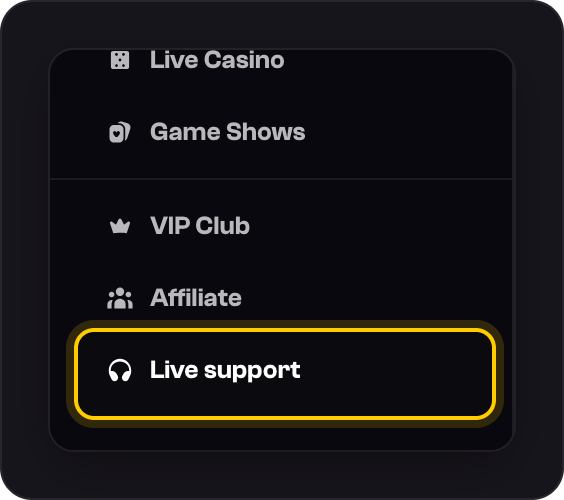
Press Live support in the menu, or the chat bubble at the bottom right, and you're talking to our team.
Press Live support at the bottom of the side menu, or the chat bubble.
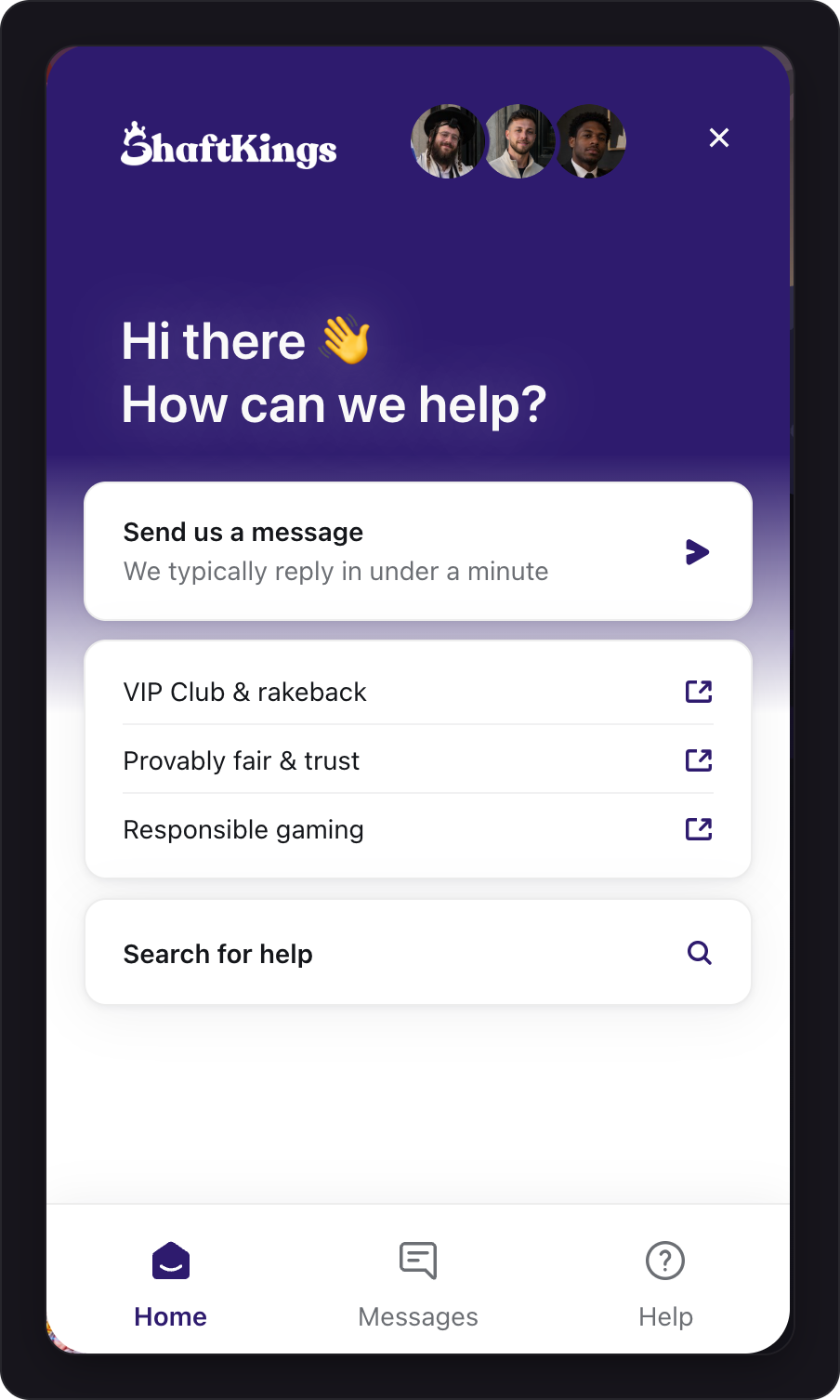
Press Send us a message, then type your question and send it. The chat shows how quickly we usually reply.
On a phone, tap Browse at the bottom, then Live support. You can also email support@shaftkings.gg.
Send us the right details
- A deposit that hasn't arrived: the transaction link, the coin and the amount.
- A withdrawal: the coin, the amount, and its status in Transactions.
- A bet or a game: the bet link, from the copy icon on the bet card.
- Signing in: your username, and what you see on screen.
- Anything else: a screenshot helps.
Was this helpful?